

Setting up a comfortable home office: stand, light and cable tidy
October 26, 2026
AdWe may earn a commission when you buy through links on this page, at no extra cost to you. How we earn
Working from the kitchen table usually means a hunched neck, a glaring screen and a tangle of cables. A few small, inexpensive items can fix most of that without turning a spare corner into a full office. This guide goes through the pieces that matter most and what to check before you buy.
Start with screen height
A laptop screen sits too low when it is on the desk. Raising it to roughly eye level is the single biggest comfort change, but it means you need a separate keyboard and mouse. Common types:
- Foldable aluminium stands with several height levels. The seller of the stand below states 6 height levels and a fold-flat design, which suits people who move between rooms.
- Mini risers or legs that stick under the laptop and tilt the keyboard. They are light and cheap, but they only change the angle, not the screen height.
- Swivel-base stands that let you turn the laptop to share the screen.
Laptop stands and risers
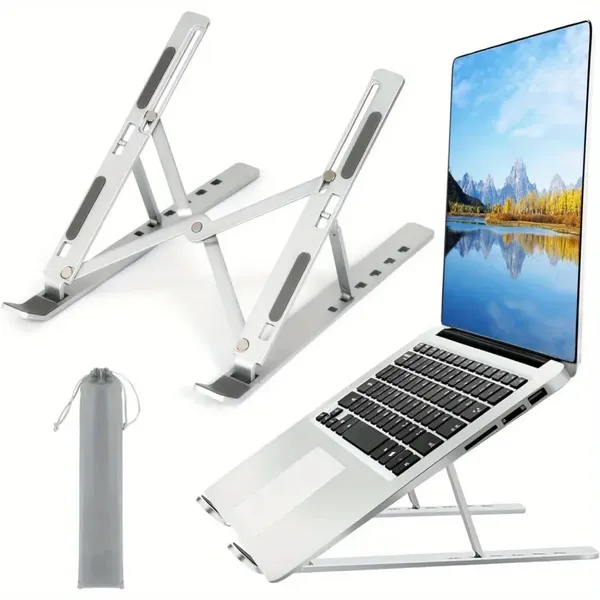
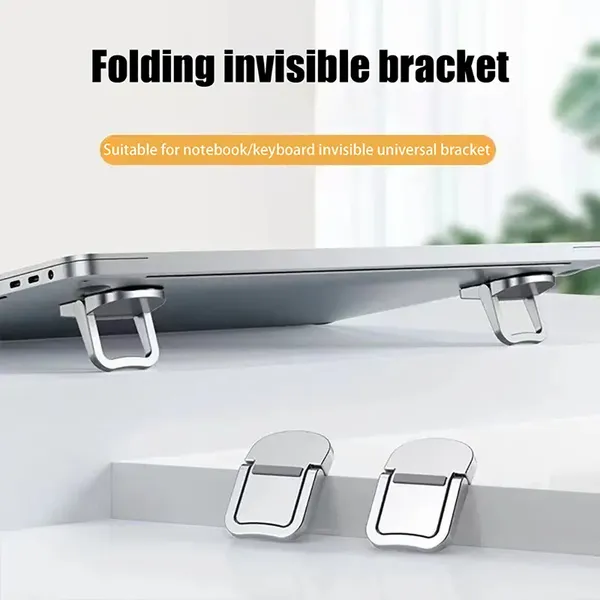
What to check: the maximum laptop size and weight in the listing, whether the base has anti-slip pads, and whether the hinge locks firmly. Stands that are advertised for "all laptops" are seller claims, so read the dimensions. Listings of the mini risers on AliExpress show 93-98% positive feedback, but this says nothing about your particular laptop.
Light the desk without glare
A monitor light bar clips on top of the screen and shines down on the desk, not into your eyes. It is useful if you work in the evening and do not want a bright lamp reflecting in the display.
- Look for adjustable colour temperature and stepless dimming; both are common in listings.
- Check the clip fits your monitor thickness, particularly with curved or very thin screens.
- USB power is convenient, but make sure you have a free port or a charger nearby.
- A longer bar (the listings mention 30 cm and 50 cm) spreads light more evenly on a wide desk.
Monitor light bars
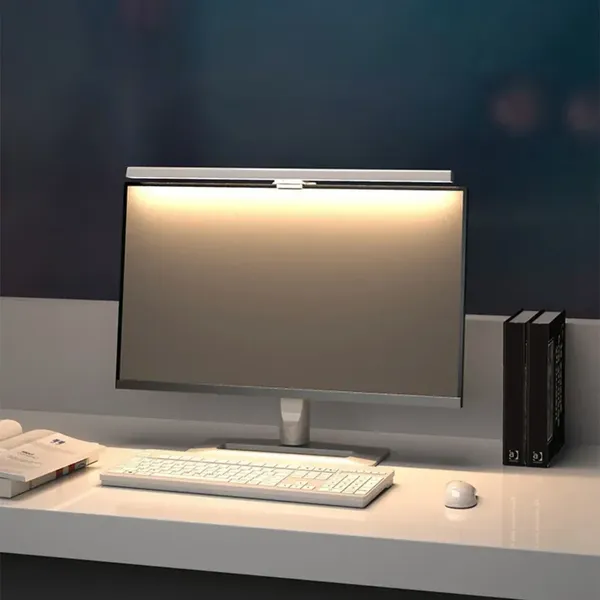
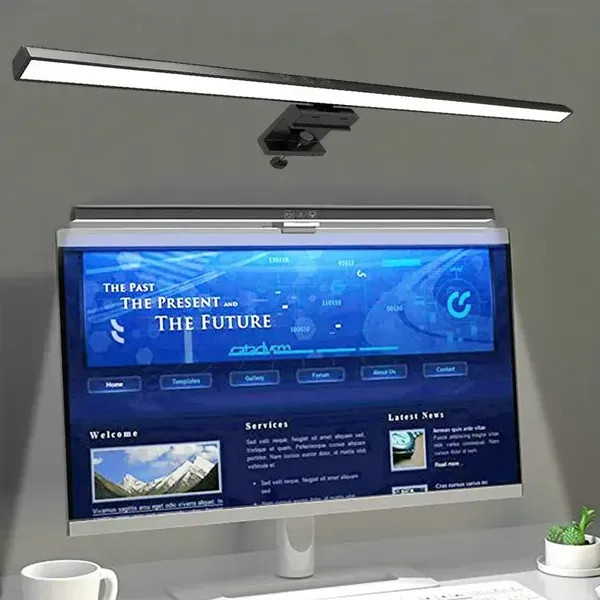
Claims such as "eye protection" come from sellers; treat them as marketing and judge by comfort.
Keep cables and small items under control
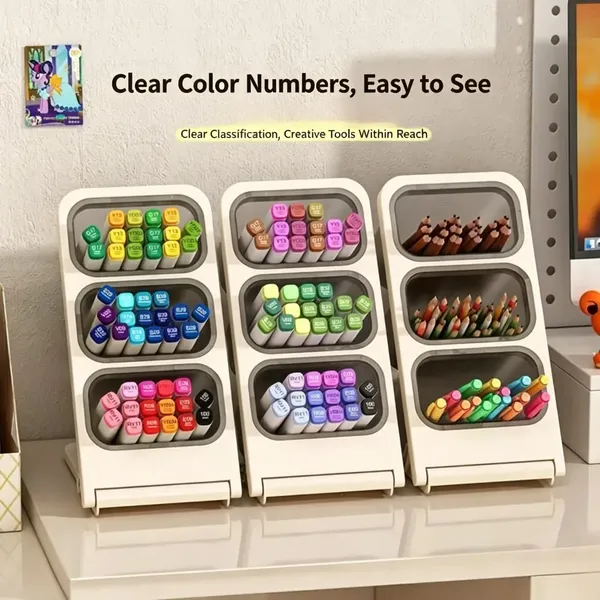
Cables are what make a desk look messy. Adhesive clips hold charging cables where you need them, and reusable ties bundle the extras behind the desk. A pen holder or desk organizer keeps small things from spreading.
Cable clips and an organizer
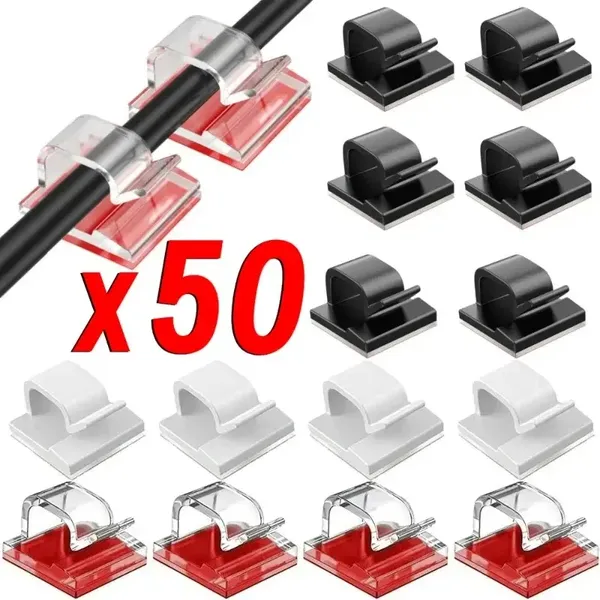
- Adhesive clips need a clean, dry surface and may leave marks on some finishes.
- Reusable ties are better than disposable ones when you rearrange often.
- Pick an organizer size by what you actually keep, not by how many compartments it has.
A monitor stand with a drawer, such as the one below, combines a raised screen with storage, which helps on a small desk.
Common pitfalls
- Buying a stand before measuring your laptop and the space on the desk.
- Raising the screen without adding a separate keyboard, which only moves the strain to the wrists.
- Choosing a light bar that does not fit your monitor.
- Buying an organizer so large it takes over the desk.
AdWe may earn a commission when you buy through links on this page, at no extra cost to you. How we earn
Quick checklist
- Screen top near eye level, keyboard and mouse separate
- Stand supports your laptop size and has non-slip pads
- Light bar clip fits the monitor, dimming and colour temperature available
- Cable clips on clean surfaces, ties for the rest
- Delivery to your country shown on the listing
Product data (feedback share, sales) comes from the marketplaces and changes over time. Current prices are shown on each product card or on the marketplace.