

How to build a tidy desk charging station: cables, stands and chargers
October 12, 2026
AdWe may earn a commission when you buy through links on this page, at no extra cost to you. How we earn
A desk with three chargers, a tangle of cords and a phone lying flat on the keyboard is a common sight. The good news is that a tidy charging setup does not need many items: a few well-chosen cables, something to hold them in place, a stand for the phone and a charger with enough ports. This guide walks through the choices and the details that are easy to miss.
Start with the cables
Most of the clutter comes from cables that are the wrong length. A cable that is too long ends up in loops under the desk, and one that is too short pulls the phone off the stand.
- Length: 1 m suits a desk next to a wall charger; 2 m is better if the outlet is on the floor.
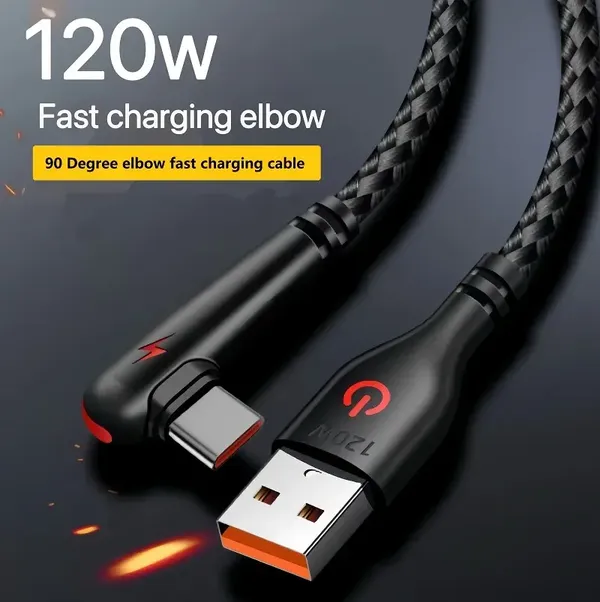
- Connector shape: a right-angle (elbow) plug sits flat against a stand or a wall and does not bend the cable sharply. Listings for such cables, for example the 90-degree nylon braided one below, usually claim up to 120 W; the seller states this, so check that your devices actually need it.
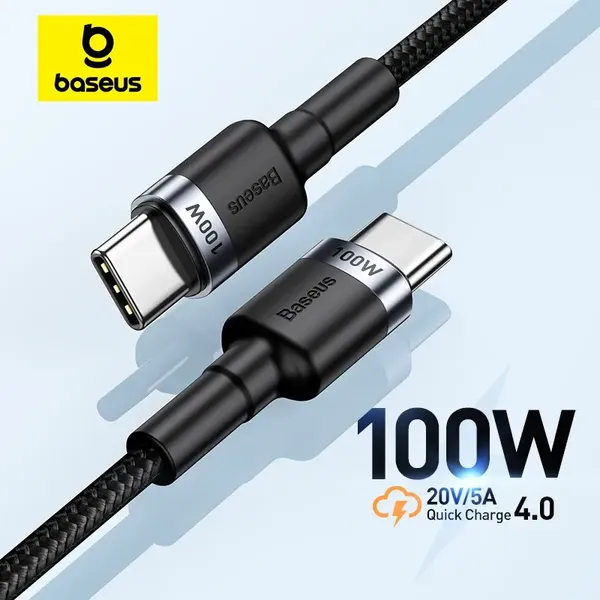
- Power rating: for phones and tablets 60 W is plenty; 100 W matters mainly for laptops. A higher rating costs more and gives no benefit if the charger cannot deliver it.
- Braided or plain: braided jackets resist kinks, which is useful for cables that are bent at a desk edge every day.
USB-C cables for a desk
Keep cables in place
Even a good cable falls behind the desk when nothing holds it. Self-adhesive clips, reusable hook-and-loop ties and cable stands solve this cheaply.
- Use reusable ties instead of one-way plastic ones, so you can add a cable later without cutting anything.
- Bundle only cables that run together, such as monitor and power. Do not wrap a charger cable tightly together with others if it gets warm in use.
- Fix the loose end with an adhesive clip at the desk edge so the plug stays where you can reach it.
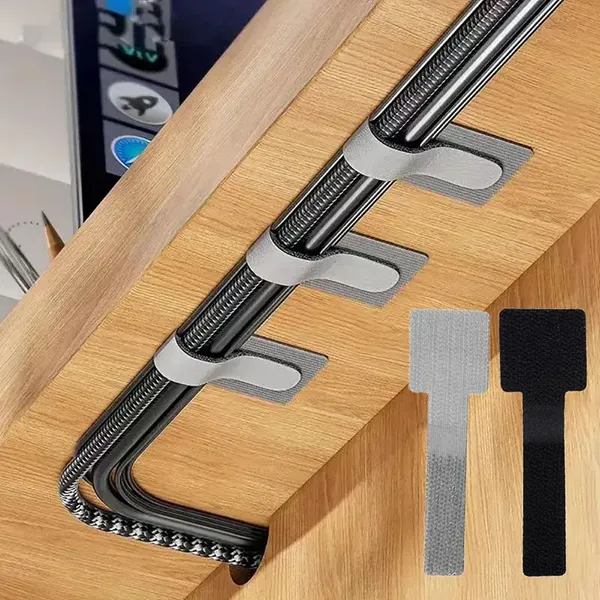
According to the listing, the reusable ties below are adjustable and self-adhesive, and the feedback share on AliExpress is 96% positive. A flat charging cable stand with an invisible suction base is another way to keep one cable always at hand.
Ties and cable holders
A stand for the phone
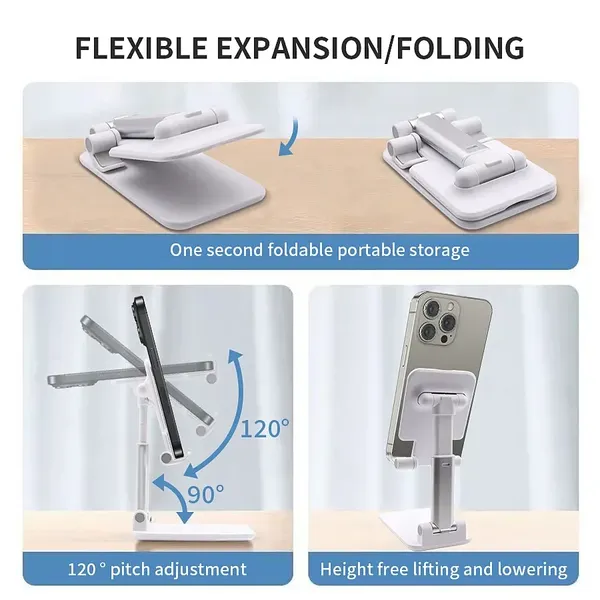
A phone that lies flat is hard to read and easy to knock off. A desktop stand raises it to eye level and lets you charge at the same time.
- Adjustable angle and height help if you share the desk or switch between portrait and landscape.
- A cable gap or open back matters: check that the charging port is not blocked, particularly with a thick case.
- Weight and base: a stand that is too light moves when you plug in the cable. Look for a non-slip base.
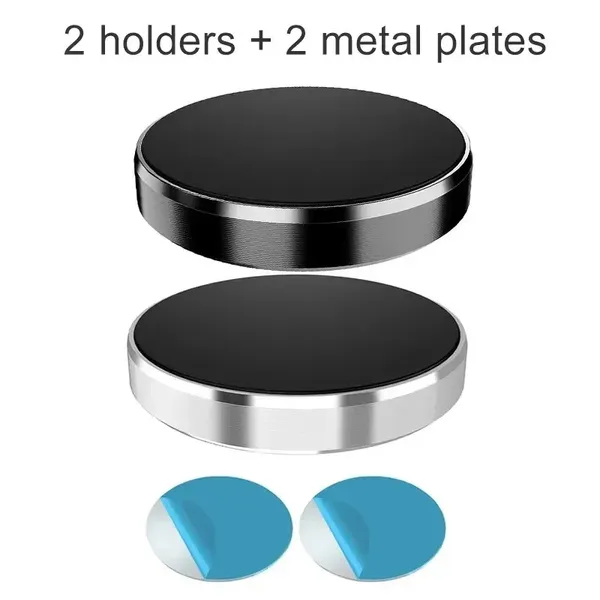
- Wall or magnetic options: a wall-mounted magnetic ring plate frees up desk space, but it needs a compatible case or ring, so read the listing carefully.
Phone stands for the desk
One charger instead of three
A multi-port charger replaces a row of single adapters. Look at the total power and at how it is shared when several ports are in use: a charger with a large headline number may drop to a much lower figure per port when two devices are connected. Make sure at least one port is USB-C, since this is what modern phones, tablets and many laptops use.
For a set that is ready to use, you can also look at a bundle of two USB-C chargers with cables, such as the one from Amazon below, which gives you one charger for the desk and one for the bedside or travel bag.
Common pitfalls
- Buying the longest cable available instead of the length you need.
- Choosing a cable by wattage alone and ignoring that the charger decides the real speed.
- Placing the phone stand so that the cable bends sharply at the port.
- Forgetting a spare cable for travel, so the desk cable gets unplugged every day.
AdWe may earn a commission when you buy through links on this page, at no extra cost to you. How we earn
Checklist
- Measure the distance from the outlet to the place where the phone or laptop sits.
- Choose cables of that length, with a right-angle plug if the stand is tight.
- Add reusable ties or clips for every cable that runs along the desk.
- Pick a stand that leaves the charging port free.
- Check that the charger has USB-C and enough total power for all devices at once.
Product data (feedback share, sales) comes from the marketplaces and changes over time. Current prices are shown on each product card or on the marketplace.